
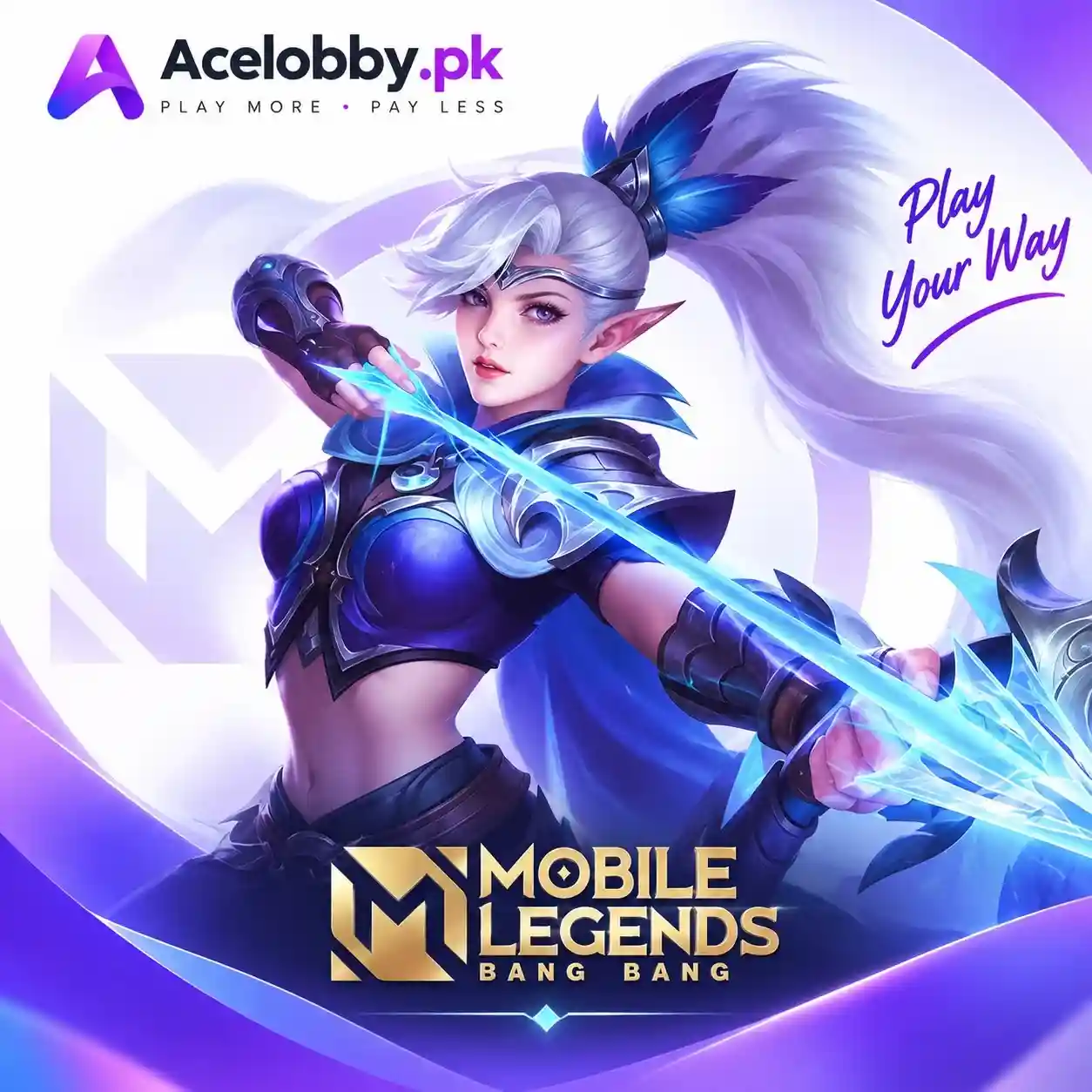
Buy Mobile Legends Diamonds in Pakistan – Instant MLBB Top Up
Buy Mobile Legends Diamonds in Pakistan through AceLobby.pk and recharge your MLBB account using your User ID and Zone ID. Choose your preferred Diamond package, select an available local payment method, and complete your order through a simple ID-based top-up process.
No account password or login details are required. Just enter your Mobile Legends account information carefully and follow the payment instructions shown at checkout.
Mobile Legends Diamonds Top Up in Pakistan
Mobile Legends: Bang Bang (MLBB) is a popular mobile MOBA featuring 5v5 matches, a wide range of heroes, competitive gameplay, skins, events, and other in-game content.
Diamonds are the game’s premium currency and can be used for eligible in-game purchases such as skins, heroes, Starlight-related content, event items, and other available features.
If you want to buy MLBB Diamonds in Pakistan, an ID-based recharge provides a straightforward way to add Diamonds without sharing your account credentials.
What Are Mobile Legends Diamonds?
Mobile Legends Diamonds are premium in-game credits used within Mobile Legends: Bang Bang.
Depending on the current game offers and features, players may use Diamonds for:
- Premium and limited-time skins
- Selected heroes and game content
- Starlight-related purchases
- Event rewards and bundles
- In-game gifts and other available items
The exact items available for Diamonds can change as Mobile Legends introduces new events and updates.
Why Buy Mobile Legends Diamonds from AceLobby.pk?
AceLobby.pk provides an easy way to place an MLBB top-up order using your account details and an available payment method.
User ID and Zone ID Recharge
You do not need to provide your Mobile Legends password. The recharge uses the User ID and Zone ID entered with your order.
Local Payment Options
Eligible orders can be paid using local methods such as:
- EasyPaisa
- JazzCash
- 1Bill
Available payment methods are shown during the ordering process.
Multiple Diamond Packages
Choose the Diamond package that matches your requirements and budget from the options available on the product page.
Simple Ordering Process
Select your package, enter your account details, complete payment, and wait for the order to be processed.
Customer Support
If you have an issue with an order or are unsure about your account details, contact AceLobby.pk support before placing the order.
How to Buy Mobile Legends Diamonds Online
Buying Mobile Legends Diamonds online in Pakistan is simple:
1. Find Your Mobile Legends User ID
Open Mobile Legends: Bang Bang and tap your profile picture.
2. Find Your Zone ID
Your Zone ID is displayed with your User ID, normally shown in brackets.
For example:
123456789 (1234)
- User ID: 123456789
- Zone ID: 1234
3. Enter Your Details
Enter your User ID and Zone ID exactly as they appear in the Mobile Legends app.
4. Select Your Diamond Package
Choose the Diamond amount you want to purchase.
5. Complete Payment
Select an available payment option such as EasyPaisa, JazzCash, or 1Bill and follow the checkout instructions.
6. Receive Your MLBB Top Up
After payment confirmation, your order is processed using the account information you provided.
Buy Mobile Legends Diamonds with EasyPaisa
If EasyPaisa is available for your order, you can use it as a local payment method when purchasing Mobile Legends Diamonds in Pakistan.
Select your Diamond package, enter the correct User ID and Zone ID, choose EasyPaisa at checkout, and complete the payment instructions provided.
Buy Mobile Legends Diamonds with JazzCash
JazzCash is another convenient local payment option for eligible MLBB top-up orders.
Simply select your desired package, provide your Mobile Legends account details, choose JazzCash if available, and complete your payment.
Mobile Legends Top Up with 1Bill
Eligible AceLobby orders may also support 1Bill. If 1Bill appears among the available payment options, follow the instructions shown during checkout to complete your Mobile Legends recharge.
Payment options can vary, so always check the current checkout page before ordering.
How to Find Mobile Legends User ID and Zone ID
Finding your MLBB account details only takes a few steps:
- Open Mobile Legends: Bang Bang.
- Tap your profile picture.
- Locate the User ID displayed below your profile information.
- Check the number shown in brackets.
- Enter both numbers exactly as displayed.
For example:
123456789 (1234)
Here, 123456789 is the User ID and 1234 is the Zone ID.
Always verify both numbers before completing your payment.
Important: Check Your User ID and Zone ID
Your User ID and Zone ID are important because the recharge is processed using the account information you provide.
Before paying, check:
- User ID is correct
- Zone ID is correct
- Both numbers belong to your intended account
- The selected Diamond package is correct
If incorrect account details are submitted, the resulting delivery issue may not be reversible. Review the applicable AceLobby refund policy before placing your order.
Do I Need My Mobile Legends Password?
No. An ID-based Mobile Legends Diamond recharge does not require your account password.
Never share your:
- Mobile Legends password
- Login credentials
- OTP or verification codes
- Other private account information
Only provide the details specifically requested on the product page.
Mobile Legends Diamond Delivery
After your payment has been successfully confirmed, your order enters processing according to the selected package and the account information provided.
Delivery time can vary depending on payment confirmation, order processing, and other technical factors. If your order takes longer than expected, contact AceLobby.pk support with your order details.
Mobile Legends Diamond Packages
AceLobby.pk offers different MLBB Diamond packages so players can select an amount according to their requirements.
The available package amounts and prices are displayed directly on the product page. Because packages and pricing can change, the current product listing should be treated as the final reference before payment.
Common Mobile Legends Top Up Mistakes
Entering the Wrong User ID
Always copy your User ID carefully instead of entering random numbers.
Entering the Wrong Zone ID
Your Zone ID is separate from your User ID. Make sure you enter both correctly.
Sharing Your Password
A normal ID-based recharge does not require your password. Never share it with a top-up service.
Selecting the Wrong Package
Review the Diamond amount and final order details before payment.
Not Keeping Payment Confirmation
Keep your payment confirmation and order information until your recharge has been completed.
Frequently Asked Questions
How can I buy Mobile Legends Diamonds in Pakistan?
Select your preferred MLBB Diamond package, enter your User ID and Zone ID, choose an available payment method, complete payment, and wait for your order to be processed.
Can I buy Mobile Legends Diamonds with EasyPaisa?
Yes, EasyPaisa can be used for eligible orders when it appears as an available payment option at checkout.
Can I buy Mobile Legends Diamonds with JazzCash?
Yes, JazzCash is available for eligible orders. Select it during checkout and follow the displayed payment instructions.
Can I use 1Bill for MLBB Top Up?
1Bill may be available for eligible orders. Check the payment options shown during checkout before completing your purchase.
Do I need my Mobile Legends password?
No. An ID-based recharge requires your User ID and Zone ID, not your Mobile Legends password.
Where can I find my Mobile Legends User ID and Zone ID?
Open Mobile Legends, tap your profile, and check the account information displayed there. Your User ID and Zone ID should be shown together.
How long does Mobile Legends Diamond delivery take?
Processing time depends on payment confirmation and order processing. If your order is delayed beyond the expected timeframe, contact AceLobby.pk support with your order details.
What happens if I enter the wrong User ID or Zone ID?
Incorrect account information can result in the recharge being processed for the wrong account. Always verify both IDs before completing payment.
Is it safe to buy Mobile Legends Diamonds online?
Use an established top-up process, verify your account details before payment, and never share your password or OTP. An ID-based recharge should only require the account information specified by the service.
Buy Mobile Legends Diamonds Online in Pakistan
Ready to recharge your MLBB account?
Choose your preferred Mobile Legends Diamonds package, enter your User ID and Zone ID carefully, select an available payment method, and complete your order through AceLobby.pk.
For questions about your order, payment, or account details, contact AceLobby.pk support before completing the purchase.
Recharge your Mobile Legends diamonds now
Instant delivery, ID only, secure local payment, and 24/7 support — get back to the rift in seconds.
Questions? Contact us or chat on WhatsApp.

Reviews
There are no reviews yet.